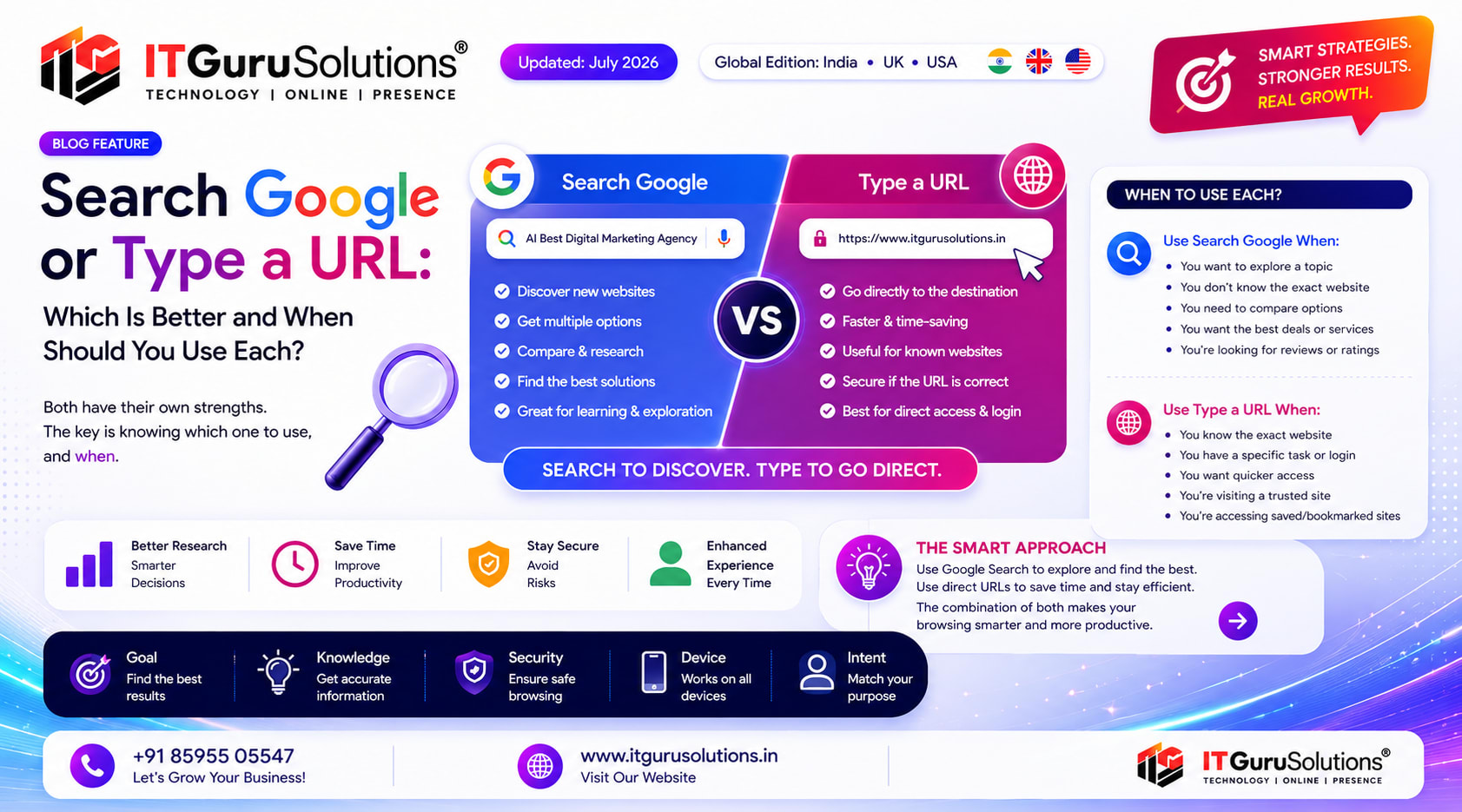
Searching Google queries a search engine index to discover new websites, compare options, and find answers, while typing a URL connects your browser directly to a specific web server using DNS without algorithmic filtering. Type a URL when you know the exact address; search Google when you are exploring or asking a question.
You open a new browser tab, click the long bar at the top of your screen, and start typing. Most people perform this action dozens of times each day without pausing to consider the underlying mechanism. Are you searching the web, or are you navigating directly to a destination? While both actions feel identical on the surface, they trigger fundamentally different technical processes that impact your speed, discovery, and digital security.
This comprehensive guide breaks down what searching Google versus typing a URL actually means, explains what happens behind the scenes with each method, and provides a clear framework for when to choose one over the other.
Key Takeaways
- The unified address bar in modern browsers, pioneered by Google Chrome as the Omnibox, performs two distinct functions: search query processing and direct domain navigation.
- Google Search is optimal for discovery, research, comparisons, and situations where the exact destination address is unknown.
- Direct URL navigation is faster and more efficient when accessing familiar destinations, bookmarked tools, and secure portals.
- Autocomplete suggestions and AI Overviews continue to merge these pathways, but the underlying distinction remains vital for precision and safety.
- Online safety is determined by user vigilance: typo mistakes can lead to spoofed domains, while unverified search ads can expose users to phishing scams.
What Does Search Google or Type a URL Really Mean?
Modern web browsers feature a single, multipurpose text box at the top of the interface. When you enter text into this field, the browser evaluates the structure of your input to decide between two distinct pathways:
- Direct URL Navigation: If your text includes a valid protocol, domain extension, or recognized web address pattern (such as
itgurusolutions.in), the browser bypasses search engines and contacts the destination web server directly. - Search Engine Querying: If your input consists of phrases, questions, or unrecognized keywords, the browser forwards the query to your default search engine, which is typically Google.
This streamlined design was not always standard. Early internet browsers maintained separate input boxes: an address bar strictly for URLs and a separate search bar for queries. In 2008, Google Chrome introduced the Omnibox, merging both fields into a single intelligent prompt that interprets user intent on the fly. Today, Firefox, Microsoft Edge, Safari, and Brave all utilize unified address bars.
What Happens Behind the Scenes When You Search Google?
When you enter a search phrase into the address bar, your browser sends your query to Google servers over an encrypted connection. Within fractions of a second, an intricate series of algorithmic calculations takes place:
- Intent Interpretation: Natural language processing (NLP) models analyze your query to understand whether you seek informational answers, navigational links, or transactional options.
- Index Retrieval: Google searches its multi-billion-page web index to locate relevant documents matching the semantic meaning of your words.
- Ranking & Quality Scoring: Algorithms evaluate hundreds of signals, including content helpfulness, freshness, domain authority, and structured data, to determine the order of results.
- SERP Layout Assembly: Google generates a custom results page featuring traditional organic links, AI Overviews, featured snippets, knowledge panels, or local map packs depending on the query.
When Searching Google Is the Best Choice
- You are researching a topic and require multiple perspectives or source verification.
- You want to compare products, software tools, or professional services before making a decision.
- You do not remember the exact web address or proper spelling of a business domain.
- You need a direct factual answer, calculation, or conversion without navigating deep into a website.
- You want to discover emerging trends and alternative solutions within a specific industry.
What Happens Behind the Scenes When You Type a URL?
Typing a Uniform Resource Locator (URL) represents direct point-to-point communication. When you enter a complete web address such as https://www.itgurusolutions.in/ and press enter, search ranking algorithms play no role:
- DNS Resolution: Your browser queries a Domain Name System (DNS) resolver to translate the human-readable domain name into an IP address (such as
192.0.2.1). - Direct Server Handshake: The browser establishes a secure TCP/TLS connection directly with the host server.
- Resource Retrieval: The destination server transmits the requested HTML, CSS, JavaScript, and media files directly back to your device.
When Typing a URL Is the Best Choice
- You already know the precise web address and want immediate access without delay.
- You frequently visit high-priority accounts such as banking portals, email clients, or corporate dashboards.
- You prefer to bypass sponsored search ads and promotional listings on search engine result pages.
- You are accessing trusted bookmarks saved directly in your browser.
- You have limited network bandwidth and want to avoid loading heavy search results pages.
Google Search vs Typing a URL: Side-by-Side Comparison
The following comparison table highlights the functional differences between both methods:
| Feature / Dimension | Google Search | Typing a Direct URL |
|---|---|---|
| Primary Purpose | Information discovery, exploration, and problem-solving | Direct navigation to an established destination |
| Access Speed | Requires evaluating and clicking a search result | Fastest possible connection with zero intermediary steps |
| Discovery Potential | High: exposes new brands, viewpoints, and resources | None: visits solely the specific address specified |
| Intermediary Interventions | Subject to ranking algorithms, ads, and AI summaries | Pure DNS connection with no third-party curation |
| Error Tolerance | High: Google autocorrects typos and spelling errors | Zero: single-letter typos cause 404 errors or wrong sites |
| Recommended Scenario | Unfamiliar queries, market research, price comparisons | Daily tools, online banking, verified bookmarks |
How to Search Google More Effectively: 6 Pro Operator Techniques
Many common frustrations with search results stem from unstructured phrasing rather than search engine limitations. Mastering simple search operators dramatically improves result accuracy:
- Exact Match Queries: Enclose phrases in quotation marks (e.g.,
"technical SEO checklist") to return pages containing that precise sequence of words. - Domain-Restricted Search: Use the
site:operator (e.g.,site:itgurusolutions.in "digital marketing") to search exclusively within a specific website. - Negative Exclusions: Prefix unwanted terms with a minus symbol (e.g.,
apple -fruit) to eliminate irrelevant meanings. - File Type Filtering: Target specific documents using
filetype:pdforfiletype:xlsxfor direct research whitepapers and reports. - Conversational Query Phrasing: Phrase queries as complete, natural questions rather than fragmented keywords. Modern AI search engines excel at conversational context.
- Title Targeting: Use
intitle:to ensure your target topic appears directly in the page headline of the results.
Essential Address Bar Shortcuts for Power Users
To navigate the web with maximum speed, use these universal browser shortcuts across Chrome, Firefox, Safari, and Microsoft Edge:
| Action | Windows / Linux Shortcut | Mac Shortcut |
|---|---|---|
| Focus Address Bar Instantly | Ctrl + L or Alt + D | Cmd + L |
| Force Pure Search Mode | Ctrl + K or Ctrl + E | Cmd + K or Cmd + Option + F |
| Open Query / URL in New Tab | Alt + Enter | Option + Return |
| Quick Site Search | Type domain name, then press Tab | Type domain name, then press Tab |
| Cancel & Revert Address Bar | Esc | Esc |
How Browser Autocomplete and AI Overviews Are Transforming Search
As you enter characters into the address bar, predictive algorithms generate suggestions in real time. These recommendations blend your personal browsing history, global trending topics, and direct domain completions. This predictive layer increasingly bridges the gap between searching and direct navigation.
Furthermore, Google integration of generative AI Overviews provides structured, multi-source answers directly at the top of search result pages. To learn more about modern generative engines, explore our deep dive on AI Search Optimization and conversational Voice Search Optimization. For everyday users, this means finding comprehensive answers without manually clicking multiple links. For businesses, optimizing content for clear entity understanding, structured tables, and concise direct answer blocks has become essential for securing visibility across both traditional organic search and generative engine summaries.
Common Mistakes to Avoid When Searching and Navigating
To keep your browsing fast and secure, be mindful of these frequent mistakes:
- Typosquatting Hazards: Mistyping a popular domain name by a single letter can redirect you to malicious clone sites designed to capture credentials. Always confirm the spelling in the address bar.
- Vague Search Terms: Searching for overly broad terms produces thousands of generic results. Adding specific context, such as industry, location, or format, refines the output immediately.
- Blindly Clicking Sponsored Ads: Malicious actors sometimes buy search ads mimicking legitimate banking and software portals. Always inspect the destination URL before clicking sponsored links.
- Ignoring HTTPS Indicators: Ensure the browser displays a secure connection badge (the padlock icon or tune icon) before submitting sensitive personal information.
Security Comparison: Is Searching Google Safer Than Typing a URL?
Security is not inherently determined by the method you choose; it depends on your verification habits:
- Google Search Protections: Google continuously scans indexed websites and flags compromised domains with warning screens. However, sponsored ad slots and newly registered fraudulent sites can occasionally slip through before detection.
- Direct URL Security: Direct URL navigation eliminates the risk of clicking deceptive search ads. However, a single typographical error when manually typing an address can lead directly to a typosquatted domain.
The safest browsing practice combines both approaches: bookmark critical accounts to avoid manual typing errors, and use Google Search with domain verification when exploring unfamiliar topics.
Frequently Asked Questions
What does search Google or type a URL mean in a browser?
It refers to the dual capability of modern browser address bars, known as the Omnibox, which automatically determine whether to execute a search engine query or load a web address directly based on your input format.
Is typing a URL faster than searching Google?
Yes. Typing an exact, known URL bypasses search engine result pages and connects directly to the hosting server via DNS resolution, saving time and avoiding search ad clutter.
When should you search Google instead of typing a URL?
Search Google when you want to discover new websites, compare products and services, research an unfamiliar topic, or when you are uncertain about the exact domain spelling.
Is searching Google safer than typing a direct URL?
Neither method is universally safer on its own. Google provides automated malicious website filtering, but typing direct URLs from verified bookmarks protects against clicking deceptive search ads. Always verify the domain spelling and HTTPS security indicator.
What is the browser Omnibox?
The Omnibox is Google Chrome unified address bar that combines direct URL navigation, search engine querying, autocomplete suggestions, and quick actions into a single input field.
Final Takeaway
Neither browsing method is superior in isolation. Searching Google provides unmatched discovery and research capabilities, while typing direct URLs delivers unmatched speed and direct access. Mastering the distinction between exploration and navigation makes your daily browsing significantly faster, safer, and more productive.
Understanding search intent is equally vital for modern brands. As generative AI and search algorithms evolve, businesses must structure their digital footprint to capture both direct navigational traffic and high-intent search queries. At IT Guru Solutions SEO Services, our team builds comprehensive search strategies that combine advanced technical optimization, authoritative content strategy, high-performance web development, and targeted digital marketing to ensure your brand stands out in traditional search results and AI Overviews alike.
Key Takeaways
- Key Takeaways
- What Does Search Google or Type a URL Really Mean
- What Happens Behind the Scenes When You Search Google
- What Happens Behind the Scenes When You Type a URL
Frequently Asked Questions
- What does search Google or type a URL mean in a browser?
- It refers to the dual capability of modern browser address bars, known as the Omnibox, which automatically determine whether to execute a search engine query or load a web address directly based on your input format.
- Is typing a URL faster than searching Google?
- Yes. Typing an exact, known URL bypasses search engine result pages and connects directly to the hosting server via DNS resolution, saving time and avoiding search ad clutter.
- When should you search Google instead of typing a URL?
- Search Google when you want to discover new websites, compare products and services, research an unfamiliar topic, or when you are uncertain about the exact domain spelling.
- Is searching Google safer than typing a direct URL?
- Neither method is universally safer on its own. Google provides automated malicious website filtering, but typing direct URLs from verified bookmarks protects against clicking deceptive search ads. Always verify the domain spelling and HTTPS security indicator.
- What is the browser Omnibox?
- The Omnibox is Google Chrome unified address bar that combines direct URL navigation, search engine querying, autocomplete suggestions, and quick actions into a single input field.
Sources & References
About Kalam
Kalam contributes SEO insights for IT Guru Solutions, a Delhi NCR company founded in 2020 with 1500+ projects delivered and clients in 15+ countries.
Read Next
Comprehensive Analysis of Meta Keywords: Algorithmic Obsolescence, Enterprise CMS Architecture, and the Evolution of Semantic Search
Discover why enterprise brands leave meta keywords blank, how search algorithms deprecated legacy metadata, and what Schema.org and semantic SEO use today.
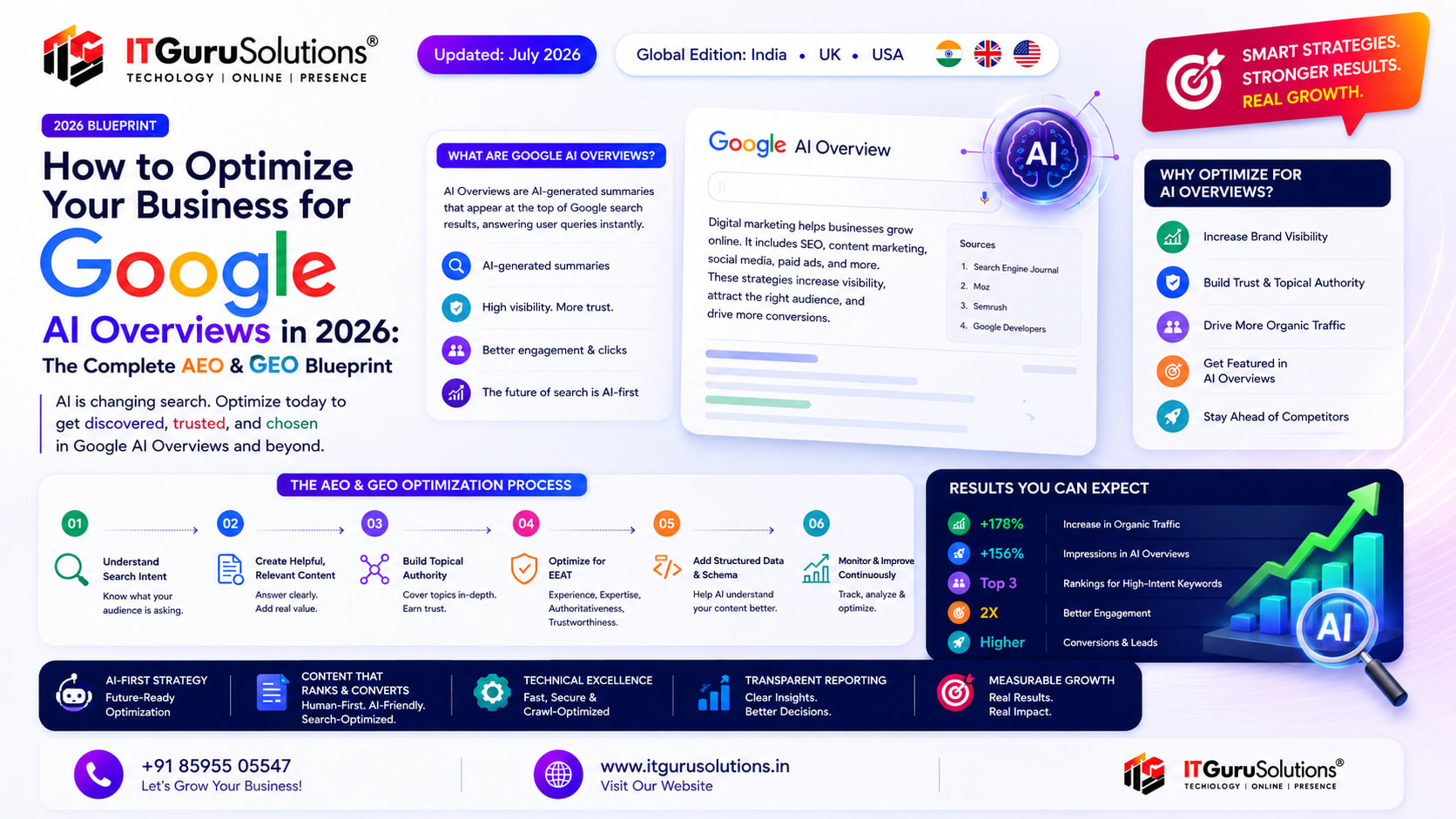
How to Optimize Your Business for Google AI Overviews in 2026: The Complete AEO and GEO Blueprint
Google AI Overviews now appear for a significant portion of commercial and informational searches. This complete AEO and GEO guide explains how the feature works, how it selects sources, and what service businesses in India must do in 2026 to remain visible and get cited.
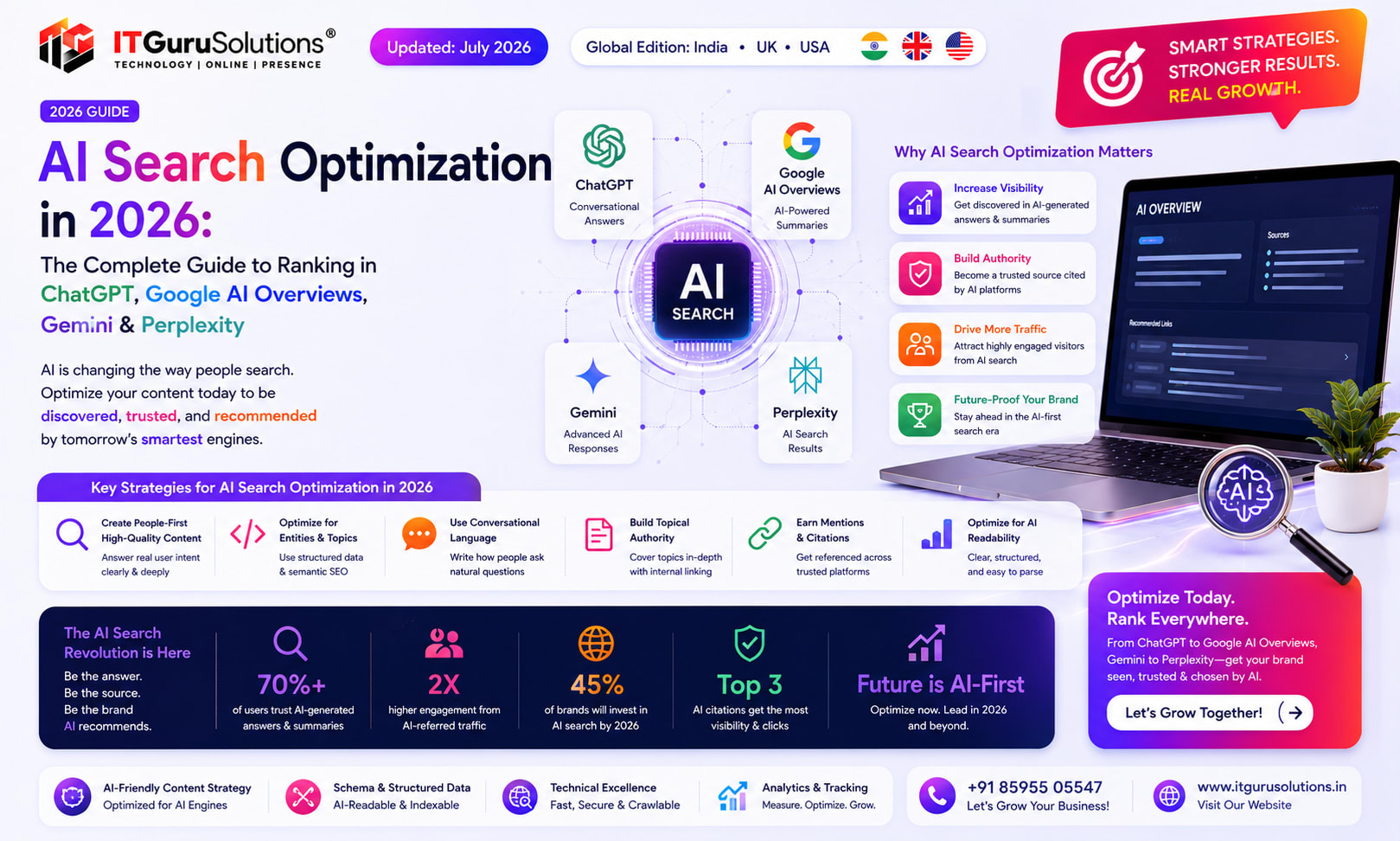
AI Search Optimization in 2026 : Complete Guide to ChatGPT, Google AI Overviews, Gemini & Perplexity
Learn AI Search Optimization with practical strategies for Google AI Overviews, ChatGPT, Gemini, AEO, GEO, Semantic SEO, and Entity SEO.
Continue Reading
View allPrevious
AI Search Optimization in 2026 : Complete Guide to ChatGPT, Google AI Overviews, Gemini & Perplexity
Learn AI Search Optimization with practical strategies for Google AI Overviews, ChatGPT, Gemini, AEO, GEO, Semantic SEO, and Entity SEO.
Next
How to Optimize Your Business for Google AI Overviews in 2026: The Complete AEO and GEO Blueprint
Google AI Overviews now appear for a significant portion of commercial and informational searches. This complete AEO and GEO guide explains how the feature works, how it selects sources, and what service businesses in India must do in 2026 to remain visible and get cited.
Ready to implement these strategies?
Our team at IT Guru Solutions can help you achieve your goals with expert guidance.